Digital wallet strategy

The Ologist Factory

Three wallet-card concepts can work together as a simple growth system: Rewards for everyday loyalty, PrePaid Style for prepaid repeat visits, and Membership for the highest-value client relationship.

Rewards wallet card preview
PrePaid Style Card wallet card preview
Membership wallet card preview

Three cards, three jobs

Each card should have a clear purpose so clients immediately understand why they are adding it to their wallet. Click any concept to get the card.

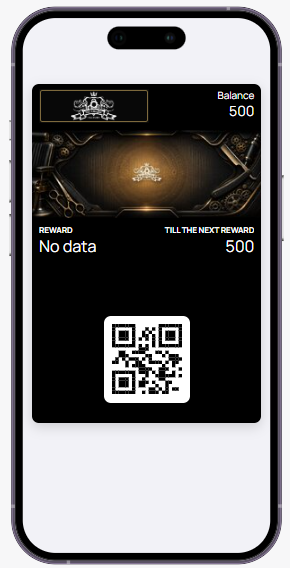
Rewards card on phone

Rewards

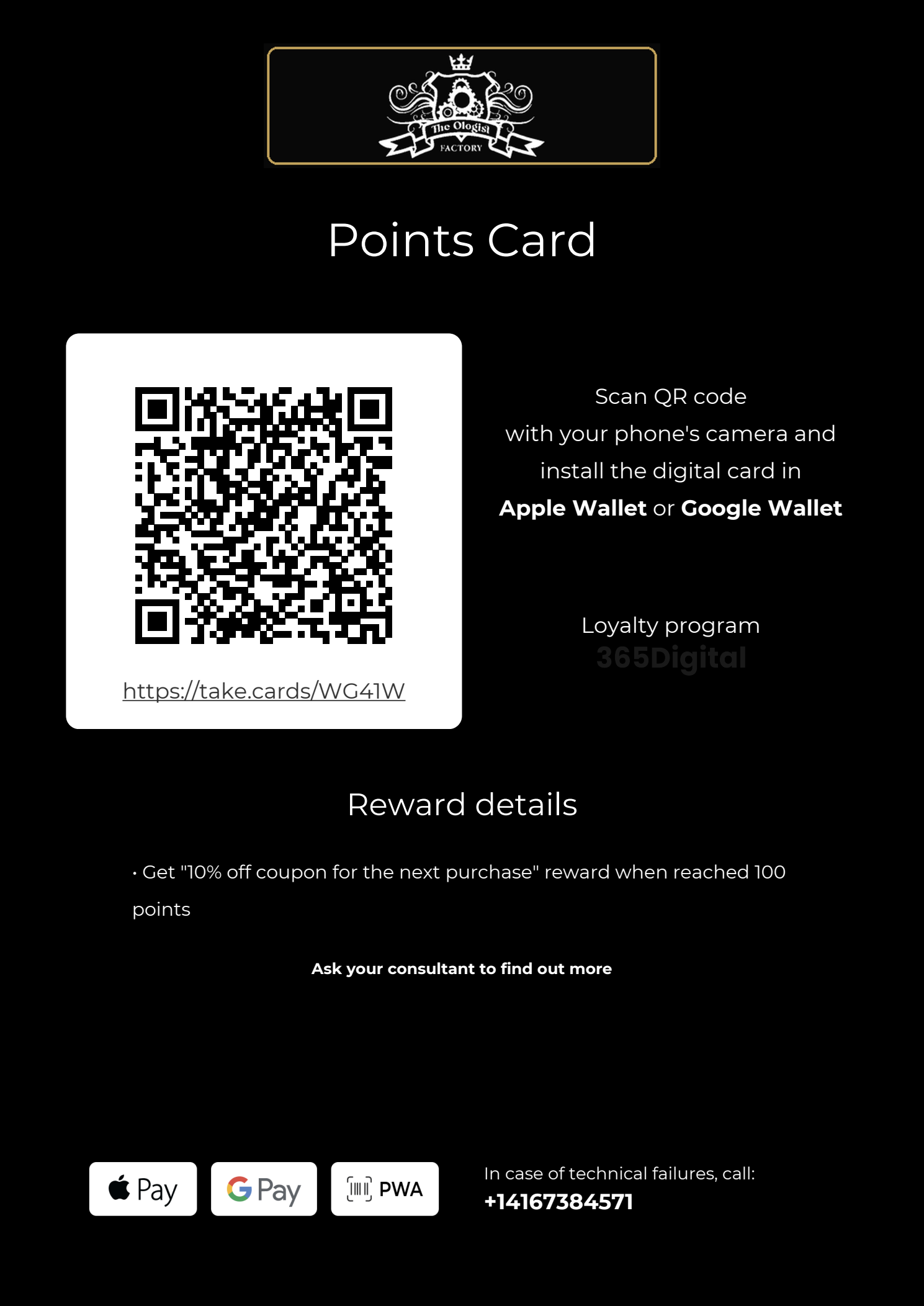
Points card

Use Rewards as the broadest loyalty layer: every eligible in-store purchase earns points and gives clients a reason to identify themselves each visit.

  • $1 = 1 point on in-store purchases keeps the value easy to understand.
  • Best default card for walk-ins, returning clients, product purchases, and service upgrades.
  • Builds a customer list for follow-up offers without forcing clients into a paid commitment.
Get This Card
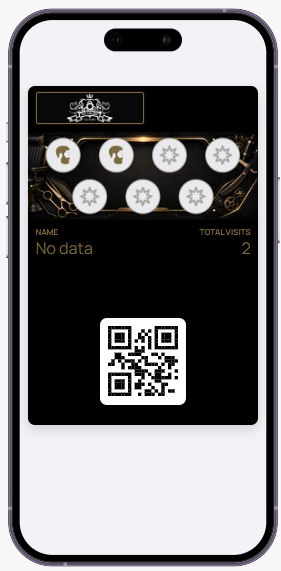
PrePaid Style Card card on phone

PrePaid Style Card

PrePaid Convenience

Use the PrePaid Style Card to package repeatable services into prepaid bundles.

  • Ideal for beard lineups, maintenance cuts, hot towel upgrades, or grooming add-ons.
  • Creates upfront commitment while keeping the client experience simple: buy visits, scan, redeem.
  • Works well as a seasonal or VIP offer when you want predictable repeat traffic.
Get This Card
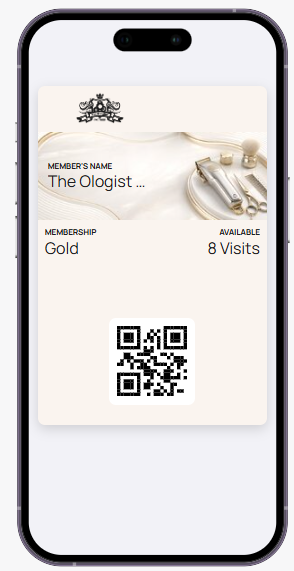
Membership card on phone

Membership

VIP access

Use Membership for a premium client segment that gets recurring benefits, priority treatment, or bundled value under an elevated brand experience.

  • Positions The Ologist Factory as more than a transaction: clients belong to a program.
  • Can include monthly visits, priority booking, product discounts, or members-only upgrades.
  • Needs a Stripe account to collect recurring revenue automatically.
Get This Card

In-store flyer templates

Each card will have its own Marketing Kit with Templates that are completely customizable.

Redeeming cards in-store

Staff can redeem visits, points, and membership benefits using the native PWA scanner app. The scanner can be saved to a phone home screen so it opens like a regular app.

Staff scanner app

Scan the customer card at checkout.

When a client presents their wallet card, staff open the scanner, scan the QR code, and apply the correct action for the card type.

1. Click this link to Open the Scanner app https://app.vipd.ca/scanner-app
2. Login Login provided in WhatsApp.
3. Save shortcut Use Add to Home Screen on iPhone or Android so staff can launch it like an app.